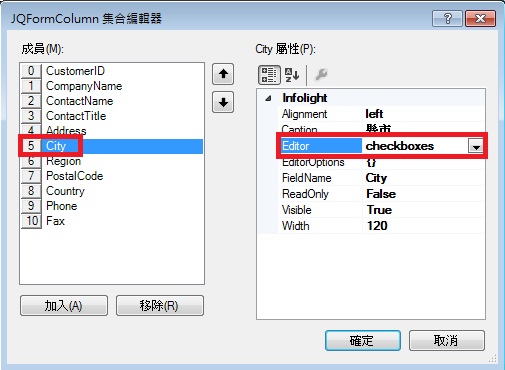
以mCustomers為例,點選dataFormMaster.Column打開JQFormColumn,選中City將Editor設置為checkboxes:
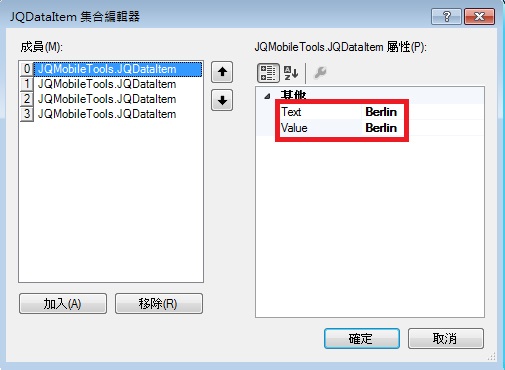
然後編輯EditorOptions,打開Items,添加四個成員:Berlin、London、Shanghai、Taipei。
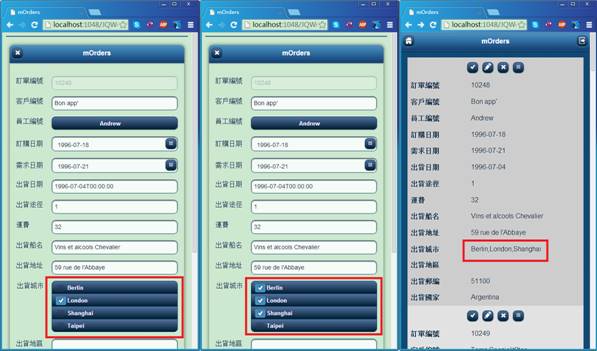
進入mCustomers編輯狀態,原City為London,這裡多選Berlin,London,Shanghai:
Related Topics
第四章 元件說明(二)